
What is Robotic Process Automation (RPA)?

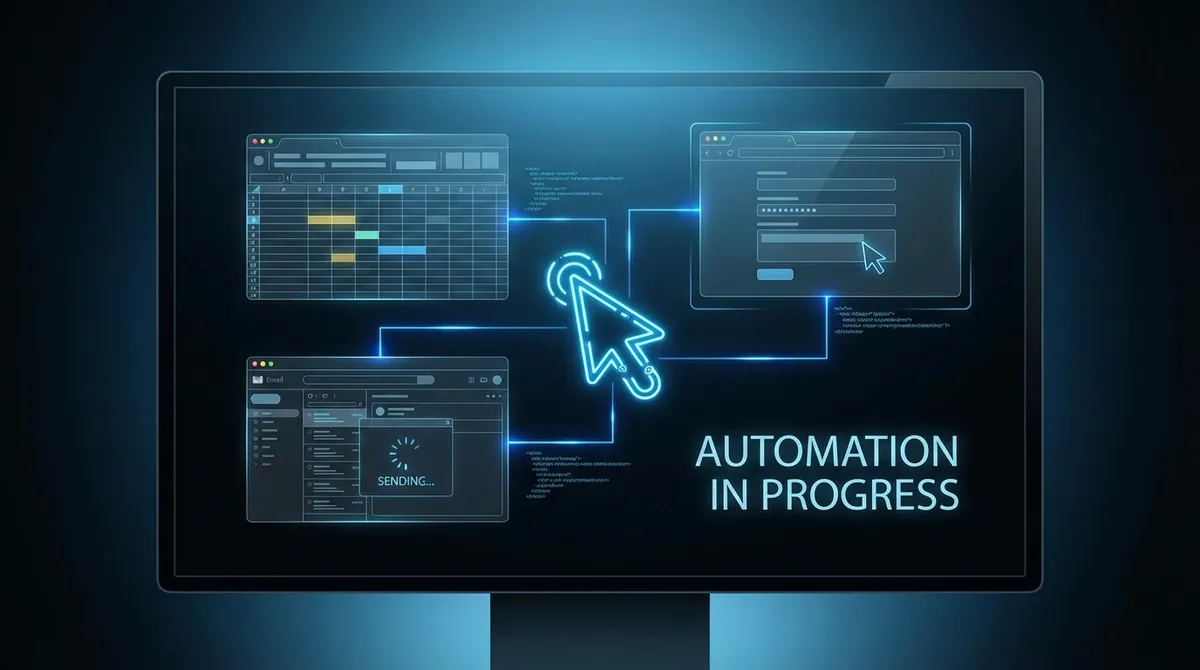
Robotic process automation (RPA) is the use of software to mimic the actions a human takes when working on a computer. Logging into systems, copying data between applications, filling forms, generating reports, sending emails. RPA bots do these tasks faster, more accurately, and around the clock, without needing a break.
It has nothing to do with physical robots. The "robotic" part refers to the software acting like a human operator at a keyboard. If you have ever thought "a computer could do this better than me," RPA is probably what you are thinking of.
Key Takeaways
- RPA software bots replicate human actions on a computer — no APIs or system integration required
- Best suited to high-volume, rule-based tasks with consistent, structured inputs
- Combines powerfully with AI automation for tasks that involve variable or unstructured input
- The most effective implementations start with one well-mapped process, prove it, then expand
- Unlike general workflow automation, RPA can work with legacy systems and desktop applications
How Robotic Process Automation Works
RPA software sits on top of your existing applications and interacts with them the same way a person would. It reads data from one screen, types it into another, clicks buttons, downloads files, and triggers actions across your systems without those systems needing to be connected by an API.
This is what makes RPA distinctive. Traditional integrations require access to a system's underlying code or API. RPA works at the interface level, which means it can automate tasks in legacy systems, online portals, or desktop applications that were never designed to talk to anything else.
A simple RPA workflow might look like this:
- Bot logs into your accounts portal every morning
- Downloads the previous day's transaction data
- Pastes it into your accounting system
- Flags any entries that fall outside normal parameters
- Emails the finance manager a summary
- Logs out and waits for tomorrow
Every step is something a person used to do. Now it happens automatically, before anyone has had their first cup of tea.
RPA vs General Automation vs AI Automation
These terms get used interchangeably, which creates a lot of confusion. Here is the practical difference.
RPA follows fixed rules. It does exactly what you tell it, in exactly the order you specify. It does not adapt or make decisions. If the layout of a web page changes, the bot may break.
General workflow automation (tools like n8n, Zapier, or Make) connects systems via APIs and triggers. More flexible than RPA, but still rule-based. If X happens, do Y.
AI automation adds intelligence to the mix. The system can read unstructured text, understand context, make judgements, and handle situations it has not been explicitly programmed for. An AI automation can read an email, decide whether it is a complaint or an enquiry, draft an appropriate response, and route it to the right team member.
In practice, the most effective automations combine all three. RPA to extract data from a legacy system, workflow automation to route it to the right place, and AI to interpret or generate content where human-style judgement is needed. Read our full explainer on AI automation to understand where the two approaches overlap.
What Kinds of Tasks Is RPA Best For?
RPA is well-suited to tasks that are:
- High volume — done hundreds or thousands of times per week
- Rule-based — follow a clear, predictable sequence of steps
- Structured — involve data in consistent formats (spreadsheets, forms, standardised reports)
- Prone to human error — copying between systems, manual data entry, transcription
Common RPA use cases across industries:
Finance and Accounting
- Invoice processing and matching
- Bank reconciliation
- Expense claim processing
- Month-end reporting
- Accounts payable and receivable updates
HR and Onboarding
- Employee data entry across multiple systems
- Payroll processing
- Benefit enrolment and updates
- Compliance document collection
Customer Service
- Updating CRM records after calls
- Processing refund or cancellation requests
- Checking order status and replying with updates
- Routing tickets to the right team
Operations
- Stock level monitoring and reorder triggers
- Scheduling and calendar management
- Report generation and distribution
- Data migration between legacy systems
If your team has a job that involves logging into three different systems and manually transferring information between them, that is an RPA job.
The Business Case for RPA
The numbers are straightforward. A software bot can typically process tasks ten to fifteen times faster than a human, runs continuously without fatigue, and does not make transcription errors.
For a business where one person spends two hours a day on data entry, RPA delivers around 500 hours of productivity back per year. More importantly, it redirects skilled people from low-value work to high-value work. Your finance team stop transcribing invoices and start analysing the numbers. Your operations team stop chasing reports and start acting on them.
Error reduction is the often-overlooked benefit. In regulated industries, a manual data entry error can trigger compliance issues, financial penalties, or customer complaints. An RPA bot entering the same data the same way every time eliminates that category of risk.
What RPA Cannot Do
RPA is not magic. It has real limitations that are worth understanding before you invest.
It breaks when interfaces change. If the website or application your bot interacts with updates its layout, the bot may fail. Good RPA implementations include monitoring and alerting so you know immediately when something breaks.
It cannot handle unstructured input well. If data arrives in variable formats (handwritten notes, free-text emails, scanned documents), traditional RPA struggles. This is where AI-enhanced automation comes in — using large language models to interpret variable input before passing it to the RPA layer.
It amplifies bad processes. Automating a broken process makes it break faster. Before building any RPA solution, it is worth reviewing the underlying process. If the task should not exist in its current form, automation is the wrong first step.
It is not a substitute for proper integration. If two systems both have APIs, connecting them directly is cleaner, more reliable, and cheaper to maintain than an RPA layer. Use RPA when direct integration is not possible, not as a shortcut.
RPA with AI: Where Things Get Interesting
The most significant development in this space over the past few years is the combination of RPA with AI, often called intelligent process automation (IPA) or agentic automation.
Classic RPA bots follow scripts. AI-enhanced bots can reason. They can read an unformatted email, extract the relevant details, decide what action to take, and execute it without a human defining every possible scenario in advance.
An intelligent automation might:
- Read an incoming insurance claim, extract the relevant policy number, customer details, and description of loss, assess it against policy rules, and either approve it automatically or flag it for manual review with a pre-filled summary
- Monitor a supplier's price list (which arrives as an unformatted PDF every month), extract the relevant products and prices, compare them against the previous month, and alert procurement to anything that has changed
These tasks are beyond traditional RPA. They require judgement. Combining a language model with automation infrastructure is what makes them possible. For a deeper look at how this works in practice, read our guide on what AI automation can do for your business.
How to Get Started with RPA
The most common mistake is trying to automate everything at once. Pick one process. The best candidates are:
- High frequency — happens multiple times every day
- Currently done manually — a real person is doing it right now
- Well-defined — you can write down the exact steps, every time, with no exceptions
- Measurable — you can track how long it takes today and compare after automation
Map the process end to end before writing a single line of automation logic. Every exception, every edge case, every failure mode. The time you spend mapping saves ten times as much in debugging.
Build a small pilot, measure the result, and expand from there. If you are unsure which tools to use, our guide to business automation software covers the main options and how to choose between them.
RPA in Stoke-on-Trent and Staffordshire
Most of the businesses we work with in Staffordshire are not global enterprises with dedicated automation teams. They are lean SMEs doing a lot with a small number of people. For them, RPA is not about transformation at scale, it is about getting two or three hours a day back per person.
That is enough to make a significant difference to a team of five.
If you have processes that fit the criteria above and want to understand what automation would look like in your specific business, book a free scoping call where we walk through your operations and identify the highest-value opportunities.
No commitment. No jargon. Just a clear picture of what is automatable and what it would deliver.
Nate Denton
CEO, Denton Dynamics
Nate is the founder and CEO of Denton Dynamics, an AI consultancy and software development agency in Stoke-on-Trent. He has been building AI automation systems, bespoke software, and SEO strategies for UK businesses since 2022. Every article on this blog comes from direct implementation experience. Read his full profile.
Trending
Related post
Expand your knowledge with these hand-picked posts.

AI Integration Services: What They Are and Why You Need Them
AI integration services connect your disconnected business tools into one automated workflow. Here is what that means in practice.
Nate Denton - CEO, Denton Dynamics

Business Process Automation: A Practical Guide for SMEs
Business process automation removes repetitive manual work. Here is how SMEs are using it, what to automate first, and how to get started.
Nate Denton - CEO, Denton Dynamics


Ready to Build Something That Actually Works?
We build real systems. AI automation, bespoke apps, websites that rank, and sales engines that run while you sleep. Book a call and let's talk.