
AI Integration Services: What They Are and Why You Need Them

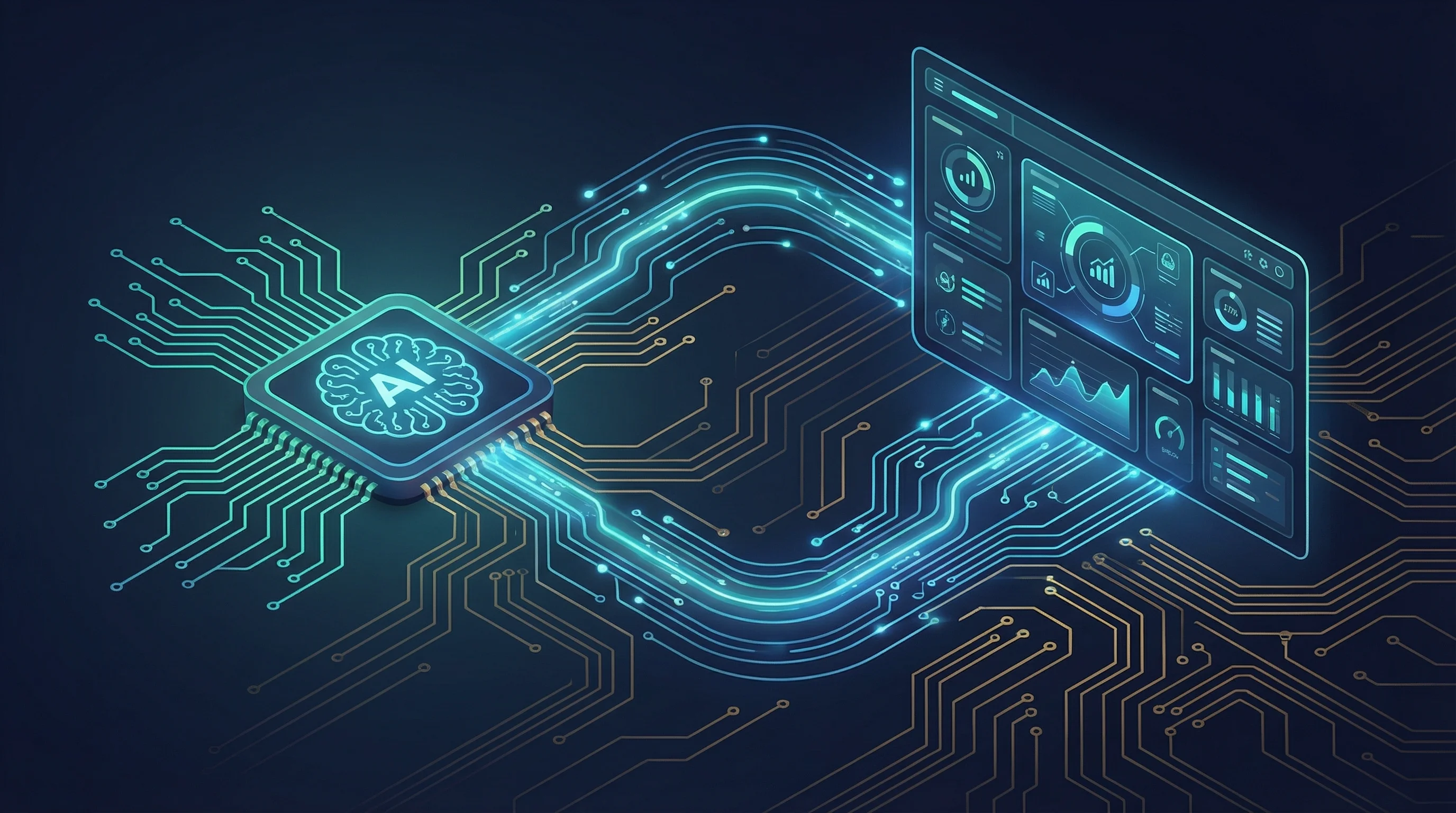
AI integration services solve a problem every growing business hits: too many tools that do not talk to each other. A CRM for tracking leads. An accounting package for invoices. An email platform for marketing. A project management tool for internal work. A booking system for client appointments. A spreadsheet for the stuff that does not fit anywhere else.
Each tool works fine on its own. The problem is that none of them talk to each other. Data lives in silos. When a new customer enquiry comes in, someone manually copies it from the website form into the CRM. When a job is complete, someone manually creates an invoice in the accounting system. When a team member needs to know the status of a project, they check three different tools and a group chat.
This is the integration problem, and it is universal. Every business with more than two or three tools has it. AI integration services solve it.
Key Takeaways
- AI integration services connect your disconnected business tools into automated, intelligent workflows
- The core mechanism is APIs, webhooks, and middleware platforms like n8n that route data between systems
- The AI layer handles unstructured data, variable inputs, and context-dependent decisions that break rule-based integrations
- Most SMEs have three to five high-value integration opportunities that would save significant time immediately
- Off-the-shelf connectors work for simple integrations; custom builds are needed for complex or proprietary systems
What AI Integration Services Actually Mean
At the most basic level, system integration means connecting two or more software tools so that data flows between them automatically. When a new contact is added to your CRM, it automatically appears in your email marketing platform. When an invoice is paid in your accounting system, the project status updates in your project management tool. When a booking is made, a confirmation is sent and the team calendar is updated.
This kind of integration has existed for years. Tools like Zapier made simple integrations accessible to non-technical users. The connections were basic — trigger in one system, action in another — but they worked for straightforward use cases.
AI integration takes this further. Instead of just moving data between systems based on fixed rules, AI integration adds intelligence to the workflow. It can:
- Read and interpret unstructured data. An email arrives with an invoice attached. The AI extracts the supplier name, invoice number, line items, and total from the PDF, regardless of the format, and pushes the structured data into your accounting system.
- Make routing decisions. A customer enquiry comes in. The AI analyses the content, determines which department should handle it, assesses the urgency, and routes it to the right person with the relevant context.
- Handle variability. Not every input looks the same. Customer emails are written differently. Documents have different layouts. Requests have different levels of complexity. AI integration handles this variability where rule-based integrations would break.
- Generate outputs. Draft a response to a customer email based on the context. Summarise a project update for a stakeholder. Create a report from data across multiple systems.
This is the layer that turns basic system integration into something genuinely transformative for how a business operates.
The Disconnected Tool Problem
Before looking at solutions, it is worth understanding the cost of the problem. Here are the scenarios we see most often in UK small and medium businesses:
CRM Not Talking to Accounting
A salesperson closes a deal in the CRM. Then they walk over to the finance team (or send a message) to say an invoice needs raising. The finance person opens the accounting system, manually enters the client details, and creates the invoice. If the client details have changed since they were last entered, the invoice goes out with the wrong information.
The cost: duplicated data entry, delayed invoicing, and occasional errors that damage client relationships.
Email Not Updating Records
A customer replies to an email with a change to their order. The email sits in someone's inbox. The CRM still shows the original order. The project management tool still shows the original scope. Three different systems, three different versions of reality.
The cost: miscommunication, rework, and the constant anxiety that something has fallen through the cracks.
Booking System Disconnected from Everything
A client books an appointment through the website. The booking system sends a confirmation. But nobody on the team is notified unless they check the booking system. The CRM does not know about the appointment. The project management tool does not have a task for it.
The cost: missed appointments, unprepared meetings, and a customer experience that feels disjointed.
Reporting Requires Manual Compilation
The owner wants to know how many leads came in this month, how many converted, and what the revenue pipeline looks like. Getting that answer requires pulling data from the CRM, the accounting system, and the project management tool, then combining it in a spreadsheet. By the time the report is ready, it is already out of date.
The cost: hours spent on reporting that could be spent on the business, and decisions made on stale data.
How Integrations Work Under the Hood
Understanding the technical mechanisms helps you evaluate what is realistic and what is marketing hype.
APIs
An API (Application Programming Interface) is the standard way modern software systems communicate. When your CRM has an API, other systems can programmatically read data from it, write data to it, and trigger actions within it. Most modern business tools have APIs. The quality and comprehensiveness of those APIs varies significantly.
APIs are the foundation of every integration. If a tool does not have an API, integrating it requires workarounds (screen scraping, email parsing, file watching) that are less reliable.
Webhooks
A webhook is a real-time notification from one system to another. When something happens in System A (a new form submission, a payment received, a status change), System A sends a message to a URL you specify, telling System B what happened. This is how integrations react in real time rather than polling systems on a schedule.
Middleware Platforms
Middleware sits between your business tools and orchestrates the flow of data between them. Platforms like n8n, Zapier, and Make are middleware. They receive triggers (via webhooks or polling), process the data (transforming, enriching, validating), and push it to the next system in the workflow.
n8n is our platform of choice because it is flexible, cost-effective at scale, and can be self-hosted for full data control. For complex workflows involving AI processing, it supports native integration with language models from OpenAI and Anthropic.
The AI Layer
The AI component typically runs as a step within the middleware workflow. Data arrives (an email body, a document, an image), the workflow sends it to an AI model for processing (extraction, classification, summarisation, generation), receives the structured output, and continues the workflow with that output.
This is what makes AI integration fundamentally different from traditional integration. Traditional integration moves data between systems. AI integration understands data before moving it.
Examples of AI Integration in Practice
Intelligent Lead Routing
A website enquiry form collects the prospect's name, company, message, and the service they are interested in. An n8n workflow receives the submission via webhook, sends the message content to an AI model to assess the lead quality and categorise the enquiry type, then routes it:
- High-quality leads go directly to the sales team via Telegram with full context
- General enquiries receive an automated but personalised response
- Support requests are routed to the relevant team member
- Spam is filtered out and logged but not actioned
The CRM is updated with the lead, the categorisation, and the AI's assessment. No manual triage required. This is the core of our sales engine service.
Automated Document Processing
A property management company receives tenancy applications, maintenance requests, and supplier invoices by email. Each has a different format. Each needs data extracted and routed to a different system.
The AI integration reads the email, identifies the document type, extracts the relevant fields, validates them against existing records, and pushes the data to the correct system — applications to the lettings CRM, maintenance requests to the job management tool, invoices to the accounting system.
What used to require a person reading every email and manually entering data now happens automatically with human review only for exceptions.
Cross-System Reporting
A business wants a weekly report combining CRM pipeline data, accounting revenue figures, marketing campaign metrics, and project delivery status. An n8n workflow runs every Monday morning, pulls data from each system via API, sends it to an AI model to generate a narrative summary highlighting trends and anomalies, and delivers the compiled report to the management team via email and Slack.
No manual data gathering. No spreadsheet gymnastics. The report is consistent, timely, and highlights the things that matter.
Choosing Between Off-the-Shelf Connectors and Custom Builds
Off-the-shelf integration connectors (Zapier's pre-built integrations, n8n's native nodes, Make's modules) work well when:
- The systems you are connecting have well-supported integrations
- The data transformation between systems is straightforward
- The workflow logic is linear and does not involve complex branching
- You do not need AI processing of unstructured data
Custom builds are necessary when:
- You use proprietary or niche software that lacks standard integrations
- The business logic is complex, with multiple decision points and exception paths
- You need AI processing — document extraction, intelligent routing, content generation
- You need deep integration with bespoke software built specifically for your business
- Data security requirements mean you need full control over how data flows between systems
Most real-world integration projects land somewhere in the middle. The orchestration layer uses an off-the-shelf platform (n8n), standard connectors handle the straightforward connections, and custom components are built for the specific steps that require them.
This hybrid approach keeps costs manageable while delivering the flexibility and intelligence that a fully off-the-shelf solution cannot provide. It is how we approach every AI automation project we take on.
Data Security Considerations
When you integrate systems, data flows between them. For UK businesses handling customer data, financial records, or anything subject to GDPR, understanding how that data flows matters.
Where Does the Data Travel?
Cloud-hosted middleware routes your data through the middleware provider's infrastructure. For most integrations, this is fine. For sensitive data, it is worth understanding which jurisdiction the provider operates in and what their data handling policies look like.
Self-hosted middleware (like n8n on your own VPS) keeps all data on your infrastructure. The workflow logic, the trigger payloads, the execution logs — everything stays on a server you control. This is our default recommendation for businesses handling sensitive data.
Authentication and Access Control
Every integration requires authentication — API keys, OAuth tokens, service accounts. These credentials grant access to your business systems. They need to be stored securely, rotated periodically, and granted the minimum permissions required for the integration to function.
Data Minimisation
Good integration design only moves the data that is needed. If a workflow needs a customer's name and email to send a confirmation, it should not also pull their address, purchase history, and account balance. Minimising the data in transit reduces the surface area for anything to go wrong.
Audit Trails
Every integration should maintain logs of what data was moved, when, and between which systems. This is both a GDPR requirement and a practical necessity for diagnosing issues when something breaks.
How to Get Started with AI Integration
The process is similar to any automation project, with an additional step for identifying where AI adds value.
Audit your current tools. List every software tool your business uses and how data currently moves between them. Identify where data is being manually copied, re-entered, or compiled.
Identify the pain points. Which disconnected systems cause the most friction? Where does data get out of sync? Which manual processes consume the most time?
Assess where AI adds value. For each pain point, ask whether the task is purely rule-based (standard integration will handle it) or involves variability and judgement (AI integration is needed).
Start with one integration. Pick the highest-impact opportunity and implement it. Measure the time saved and the error reduction. Use that result to build the case for the next project.
If you are not sure where to start, we can map your current systems and identify the integration opportunities with the highest ROI. Book a call and we will walk through it with you.
Nate Denton
CEO, Denton Dynamics
Nate is the founder and CEO of Denton Dynamics, an AI consultancy and software development agency in Stoke-on-Trent. He has been building AI automation systems, bespoke software, and SEO strategies for UK businesses since 2022. Every article on this blog comes from direct implementation experience. Read his full profile.
Trending
Related post
Expand your knowledge with these hand-picked posts.
Business Process Automation: A Practical Guide for SMEs
Business process automation removes repetitive manual work. Here is how SMEs are using it, what to automate first, and how to get started.
Nate Denton - CEO, Denton Dynamics
Invoice Automation: Stop Wasting Hours on Manual Billing
Invoice automation eliminates the manual steps between completing a job and getting paid. Here is how it works and what it saves.
Nate Denton - CEO, Denton Dynamics


Ready to Build Something That Actually Works?
We build real systems. AI automation, bespoke apps, websites that rank, and sales engines that run while you sleep. Book a call and let's talk.