
Business Process Automation: A Practical Guide for SMEs


Business process automation is the practice of using technology to handle the repetitive, rule-based tasks that consume your team's time every week. Instead of a person manually entering data, sending follow-up emails, generating reports, or routing enquiries, software handles it. The work still gets done. It just happens faster, more reliably, and without tying up someone who could be doing something more valuable.
For small and medium businesses, BPA is not about replacing people. It is about freeing them from the tasks that do not require human judgement so they can focus on the work that does. The business that automates its lead follow-up, invoice processing, and internal reporting does not need fewer staff. It needs the same staff doing higher-value work.
Key Takeaways
- Business process automation (BPA) handles repetitive, rule-based work so your team does not have to
- BPA is distinct from RPA and simple workflow automation — it covers end-to-end processes, not just individual tasks
- The best candidates for automation are high-frequency, rule-based, and measurable
- Start with one process, measure the result, then expand
- For most SMEs, the ROI on a well-implemented BPA project is measured in weeks, not months
What Business Process Automation Actually Means
BPA is a broad term, and it gets confused with related concepts. Here is the distinction.
Business process automation covers the end-to-end automation of a defined business process. It starts with mapping the process from trigger to outcome, identifying every step, decision point, and system involved, then building an automated workflow that handles the entire sequence.
Workflow automation is a subset of BPA. It focuses on automating the flow of tasks and data between systems — connecting your CRM to your email platform, for example. Workflow automation tools like n8n, Zapier, and Make are the engines that power most BPA implementations.
Robotic Process Automation (RPA) works at a completely different level. RPA mimics human actions on a screen — clicking buttons, copying data between fields, navigating interfaces. It is used for legacy systems that lack APIs and cannot be integrated in any other way. For most modern software stacks, RPA is unnecessary. Workflow automation via APIs is faster, cheaper, and more reliable.
The practical takeaway: BPA is the strategy. Workflow automation is the most common implementation method. RPA is a fallback for systems that resist modern integration. If someone is selling you RPA for processes that could be handled with API-based automation, question that.
Why BPA Matters More for SMEs Than Enterprises
Large enterprises have been automating processes for decades. They have dedicated operations teams, six-figure software budgets, and the capacity to run multi-year transformation programmes.
Small and medium businesses have none of that, which is exactly why BPA delivers outsized value at this scale. In a team of five to fifty people, the impact of automating even one process is felt immediately. If your office manager spends four hours a week on invoice admin, automating that process gives them four hours back. That is visible on day one.
The tools available to SMEs now are the same tools that were enterprise-only five years ago. Self-hosted workflow platforms, AI-enhanced automation, and API integrations that connect any modern system to any other. The cost of implementation has dropped dramatically. The barriers are lower than they have ever been.
The businesses that are growing fastest in the UK right now are the ones that have recognised this and acted on it. They are not hiring more admin staff to handle growing workloads. They are automating the admin and deploying their people on revenue-generating work.
What to Automate First
Not every process is a good automation candidate. The best candidates share four characteristics:
High frequency. If a task happens once a quarter, automating it saves almost nothing. If it happens fifty times a week, automation pays for itself immediately.
Rule-based. If the task follows a consistent set of rules and does not require nuanced human judgement, it can be automated reliably. "If a new enquiry comes in, add it to the CRM and send an acknowledgement email" is rule-based. "Decide whether this client's project scope needs adjusting" is not.
Well-defined. You can describe every step of the process clearly. If you cannot map it on paper, you cannot automate it. The mapping exercise itself is valuable — it often reveals inefficiencies and redundancies in the current process.
Measurable. You can quantify the time or cost the process currently consumes, so you can measure what the automation saves. This matters for building the case for further automation projects.
Here are the processes we see automated most often in SMEs, roughly in order of frequency:
Lead Routing and Follow-Up
A new enquiry arrives via website form, email, or phone. The automation creates a record in the CRM, assigns it to the right salesperson based on predefined rules, sends an immediate acknowledgement to the prospect, and schedules a follow-up task. The entire sequence happens in under two minutes without anyone lifting a finger. We build this into every sales engine we deliver.
Invoice Processing
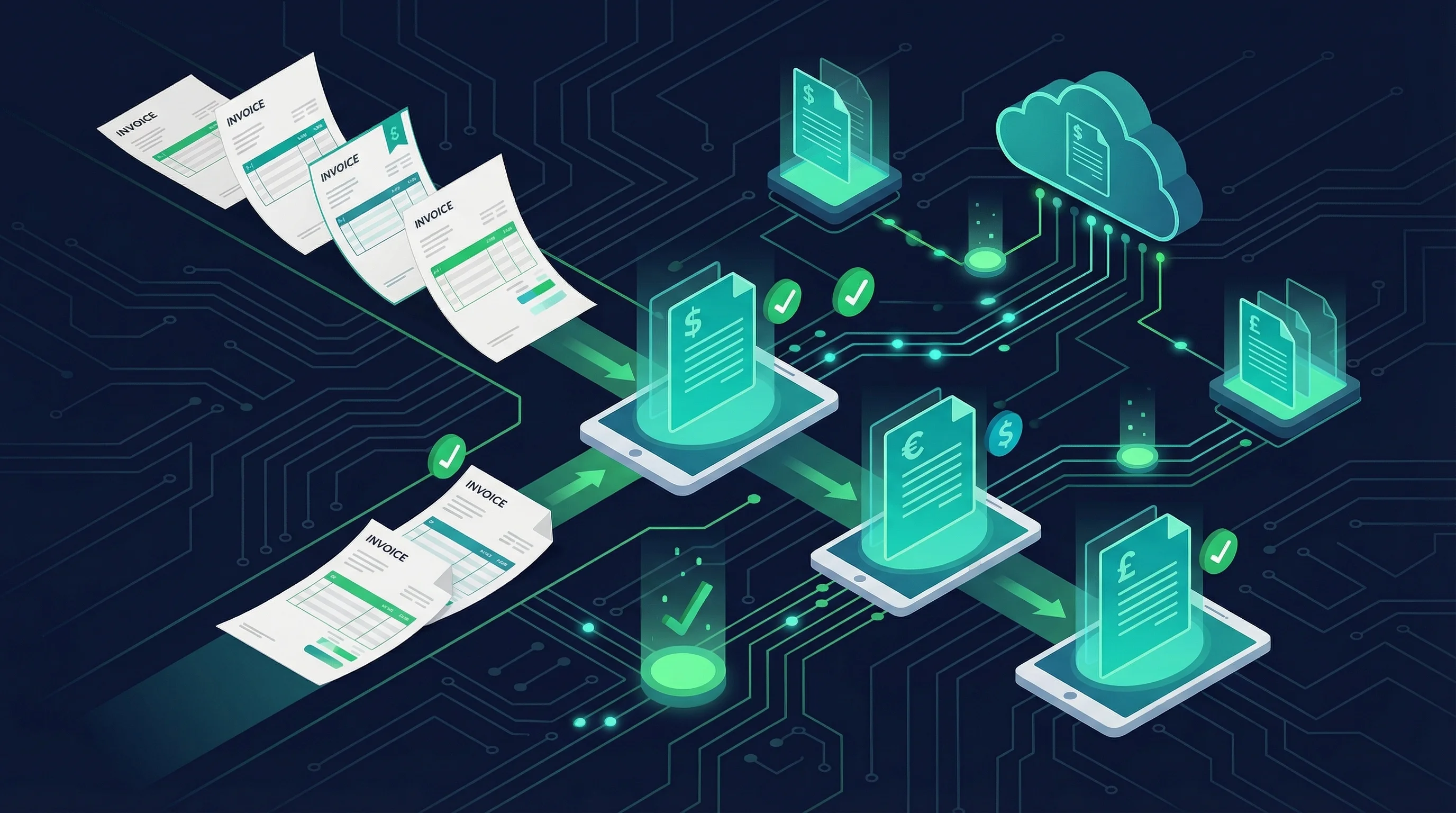
Invoices arrive by email. An AI model extracts the key fields — supplier name, invoice number, line items, total. The data is validated and pushed into the accounting system. The finance person reviews and approves rather than manually entering every field. What used to take hours now takes minutes.
Booking Confirmations and Reminders
A customer books a service. The automation sends a confirmation immediately, a reminder 24 hours before, and a follow-up after the service is complete. If the customer needs to reschedule, the system handles that too. Service businesses that implement this see a measurable drop in no-shows and a measurable increase in Google reviews.
Internal Reporting
Data from multiple systems — CRM, accounting, project management — is compiled into a report and delivered to the relevant people on a schedule. No one opens five different dashboards and copies numbers into a spreadsheet. The report builds itself.
Employee Onboarding
A new starter is added to the HR system. Automated workflows create their email account, add them to the right communication channels, schedule their induction meetings, send them the relevant documentation, and notify their line manager. What used to be a two-day admin exercise becomes a two-minute trigger.
How a BPA Project Works in Practice
A well-run BPA project follows a consistent structure, regardless of the process being automated.
Step 1: Process Mapping
Before any technology is involved, the current process is mapped end to end. Every trigger, every step, every decision point, every system, every exception. This is the most important step and the one most often skipped by businesses trying to move fast. Skipping it leads to automations that handle the happy path beautifully and fall apart on the first edge case.
Step 2: Identify Automation Boundaries
Not every step in a process should be automated. Some steps genuinely require human judgement. The goal is to identify which steps can be fully automated, which can be partially automated (AI-assisted with human review), and which should remain manual. Getting this boundary right is the difference between a useful automation and a frustrating one.
Step 3: Select the Tools
With the process mapped and the automation boundaries defined, tool selection becomes straightforward. For most SME automation projects, the answer is a workflow automation platform like n8n connected to the business's existing systems via APIs. For processes involving unstructured data (emails, documents, images), AI automation adds the intelligence layer that handles variability.
Step 4: Build and Test
The automation is built, tested against real data, and refined until it handles the full range of scenarios the process encounters. Testing against edge cases is critical. The automation that works perfectly in a demo and breaks on the first unexpected input is worse than no automation at all.
Step 5: Deploy and Monitor
The automation goes live with monitoring in place. Execution logs, error notifications, and performance metrics ensure that when something breaks — and something will eventually break — it is caught and fixed quickly.
Step 6: Iterate
The first version of any automation is never the final version. Real-world usage reveals new edge cases, new requirements, and new opportunities to extend the automation further. The best BPA implementations are living systems that evolve with the business.
Common Mistakes in Business Process Automation
Automating a Broken Process
If your current process is inefficient, automating it gives you an efficient version of inefficiency. Fix the process first. The mapping exercise in Step 1 is where this happens. If the current process has unnecessary steps, approval bottlenecks, or redundant data entry, remove those before automating what remains.
Trying to Automate Everything at Once
The temptation to launch a company-wide automation programme is strong, particularly after seeing the results from the first project. Resist it. Each automation needs to be built, tested, and stabilised before moving to the next. Spreading resources across ten projects simultaneously results in ten half-finished automations rather than one that works properly.
Ignoring Error Handling
Every automation will eventually encounter unexpected input. An API goes down. A field is empty that should not be. A third-party service changes its response format. Automations without proper error handling fail silently, and silent failures are worse than loud ones because nobody knows the work is not getting done.
Choosing Tools Before Defining Requirements
The business automation software landscape is noisy. It is easy to get drawn into evaluating tools before you have defined what the tool needs to do. Define the process first, then match tools to the requirement.
Underestimating Maintenance
Automations are not set-and-forget. They need monitoring, occasional updates when connected systems change, and periodic reviews to ensure they still match how the business operates. Budget for ongoing maintenance from the start.
Building Custom vs Using Off-the-Shelf
For most SME automation needs, off-the-shelf workflow platforms handle the job well. n8n, connected to your existing business tools, covers the vast majority of BPA requirements at a predictable cost.
Custom development makes sense when:
- Your process involves proprietary systems with no standard integrations
- The automation logic is complex enough that maintaining it in a visual builder becomes unwieldy
- You need tight integration with bespoke software your business already uses
- You want full ownership of the codebase and infrastructure
The hybrid approach is often the most practical: use a workflow platform for the orchestration layer and build custom components only for the specific steps that require them. This keeps costs down while giving you the flexibility you need where you need it.
If you are not sure which approach fits your situation, read our breakdown of what AI automation actually involves for more context on where custom builds add value.
Measuring the ROI of BPA
The simplest ROI calculation for a BPA project:
Time saved per week multiplied by the hourly cost of the person who was doing the work multiplied by 52 weeks.
If invoice processing took four hours per week and the person handling it costs the business twenty-five pounds per hour, that is five thousand two hundred pounds per year in time savings from a single automated process.
Most BPA projects we deliver pay for themselves within the first month. The compounding effect comes from reinvesting the freed-up time into work that generates revenue rather than just maintaining operations.
Beyond direct time savings, there are secondary benefits that are harder to quantify but equally real: faster response times to customers, fewer errors in data entry, more consistent service delivery, and better visibility into how processes are actually performing.
Getting Started
The starting point is always the same. Pick one process. Map it. Automate it. Measure the result.
Do not overthink the tool selection. Do not try to build a comprehensive automation strategy before you have a single working automation. Start with the process that costs your team the most time each week and is most clearly rule-based.
If you want help identifying the right starting point or need a partner to handle the technical implementation, get in touch. We have been building BPA systems for UK businesses across every sector and we can usually identify the highest-value opportunity within a single conversation.
Nate Denton
CEO, Denton Dynamics
Nate is the founder and CEO of Denton Dynamics, an AI consultancy and software development agency in Stoke-on-Trent. He has been building AI automation systems, bespoke software, and SEO strategies for UK businesses since 2022. Every article on this blog comes from direct implementation experience. Read his full profile.
Trending
Related post
Expand your knowledge with these hand-picked posts.

AI Integration Services: What They Are and Why You Need Them
AI integration services connect your disconnected business tools into one automated workflow. Here is what that means in practice.
Nate Denton - CEO, Denton Dynamics
Invoice Automation: Stop Wasting Hours on Manual Billing
Invoice automation eliminates the manual steps between completing a job and getting paid. Here is how it works and what it saves.
Nate Denton - CEO, Denton Dynamics


Ready to Build Something That Actually Works?
We build real systems. AI automation, bespoke apps, websites that rank, and sales engines that run while you sleep. Book a call and let's talk.